
Looking for a bookmark manager with AI organization?
By Bingo · Updated
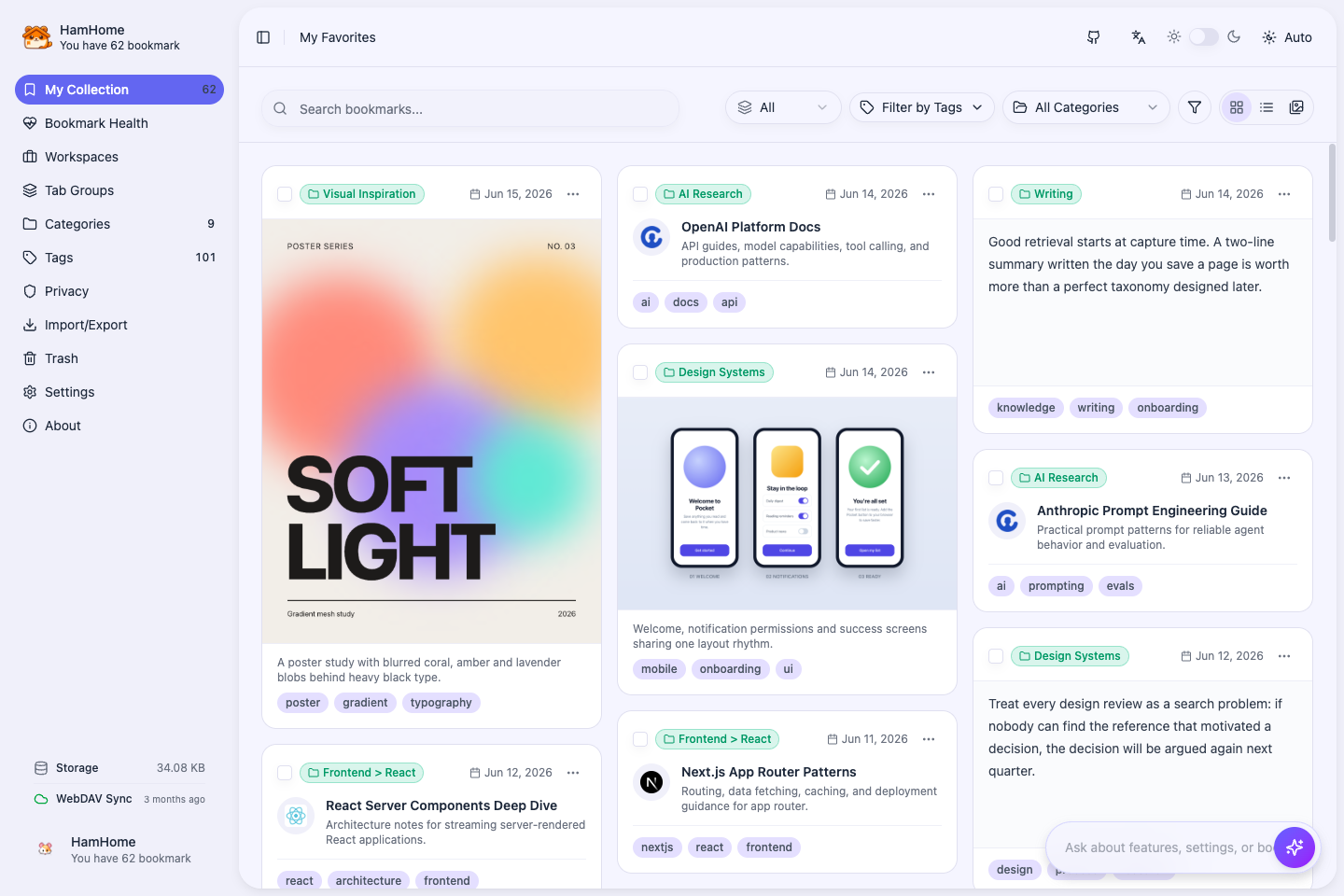
Consider HamHome if you want AI-generated bookmark categories, tags and summaries, plus semantic search to rediscover saved content. It is an open-source, local-first bookmark extension for Chrome, Edge and Firefox, suited to people who want to choose their own AI provider and also use web clips and tab workspaces.
How to use it
- Install HamHome from your browser’s store. No HamHome account is needed; try manual bookmarking and keyword search first.
- Configure an AI provider or local model in Settings and test the connection. Analyze newly saved pages and review their categories, tags and summaries.
- For existing bookmarks, import browser bookmarks or an HTML file into HamHome, then select bookmarks for bulk AI analysis. Optionally write the organized results back to the browser.
- To search by topic, configure embeddings separately and build the index. You can also ask the Agent to find and summarize saved content.
Requirements and limits
- If you expect native browser folders to be reorganized immediately after installation, account for HamHome’s import and AI setup steps first.
- Basic bookmark management works without AI. Cloud AI and embedding usage are priced by your chosen providers.
- Data is local by default; cloud AI receives relevant content. Local models require your own running service and extension access.
- Review AI-generated categories and summaries. Installing the extension alone does not reorganize all native bookmarks.